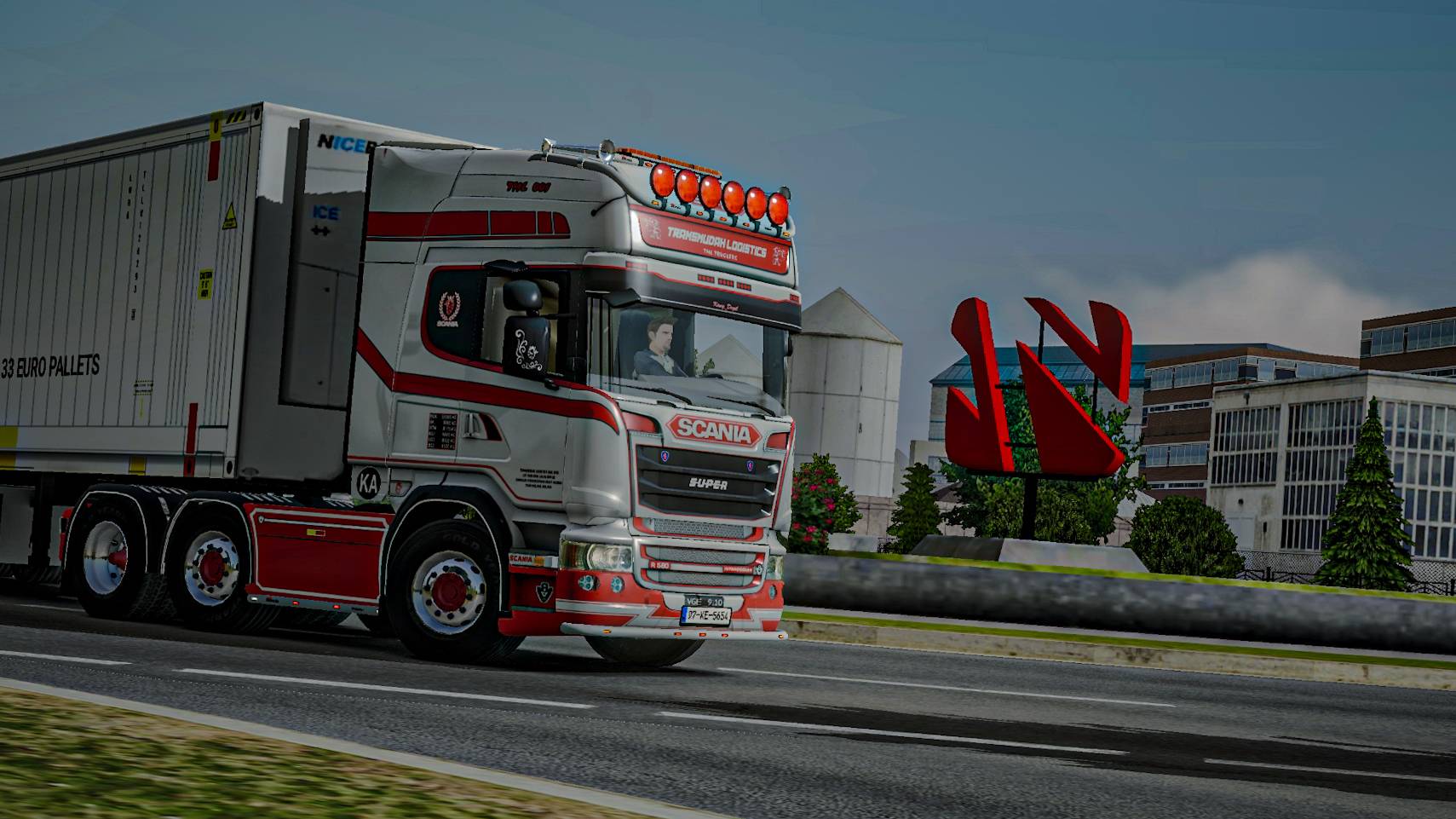

restore game progress
Players can restore game progress on a new device by ensuring the Google Play Games account matches the old device and using the Cloud Save's 'Load' option.
- Ensure the new phone is signed into the exact same Gmail account used on the old phone for game saves.
- Open the Google Play Games app, log in to the profile, and verify the profile name and email match the old device.
- In the game (Truckers of Europe 3), access the Cloud Save button from the main menu, then select 'Load' instead of 'Save' to restore the profile.
- Alternatively, in Google Play Games settings, find 'change account for games', select Truckers of Europe 3, and change to the correct saved account.
- It is not necessary to re-download the game if the Google Play Games account is switched correctly.


