
adding images to skin playfields
Images can be placed on the left of the mania playfield by replacing the stage left skin element.
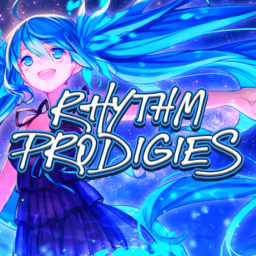
- To display a character on the left side of the playfield, replace the mania-stage-left image asset
- The file is typically named mania stage left, though custom naming configurations are technically possible
- Images used for skin elements should be formatted as PNG files


